Outlets
Switching between your outlets, and adding a new one.
Every pub, club or hotel you stocktake is an outlet. The one you are working on is named at the top of the screen, with its job number and period dates under it.
Switching outlet
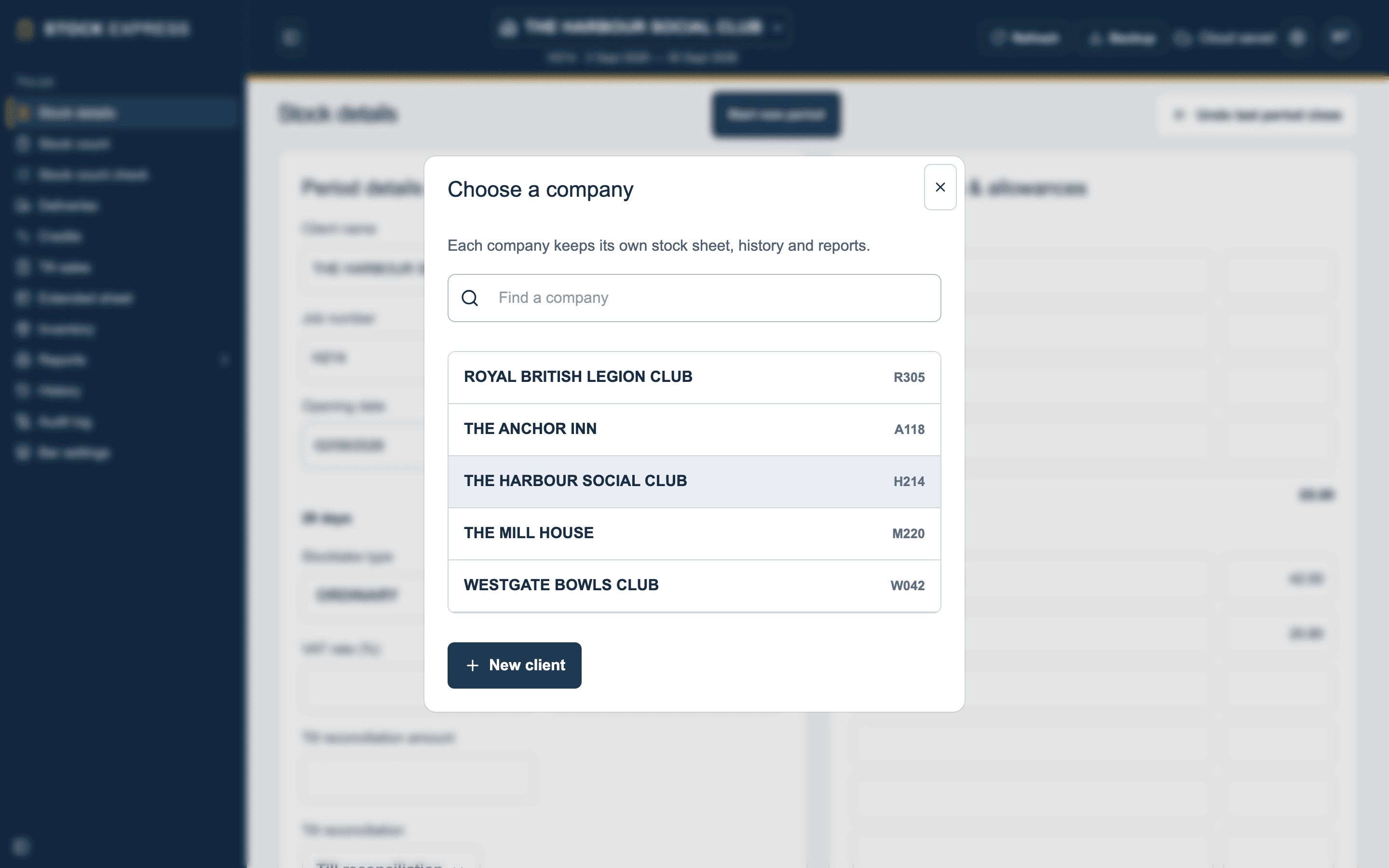
Tap the outlet's name at the top. Choose a company lists all your practice's outlets; type part of a name in Find a company to narrow it down, and tap one to open it. Each device remembers the last outlet it was on.
Adding an outlet
In the same window, tap New client and fill in:
- Client name: kept in capitals.
- Job number: needed, like the name.
- Initials: the stocktaker's, for the reports.
- VAT %: the outlet's rate, usually 20.
- Copy sections and price list from (optional): start from another of your outlets' groups and price list, rather than an empty one.
Tap Create client. A new outlet starts with the standard eight groups, and a price list holding only the ROUNDING line until you add items or copy them.
Moving over from PSSA? We import your houses for you, so you do not need to set them up again. See Coming from PS Stock Auditor.
Want to see this with one of your own outlets? Book a demo.