Stock details
The period's dates, type, VAT, takings, adjustments and allowances, and the result.
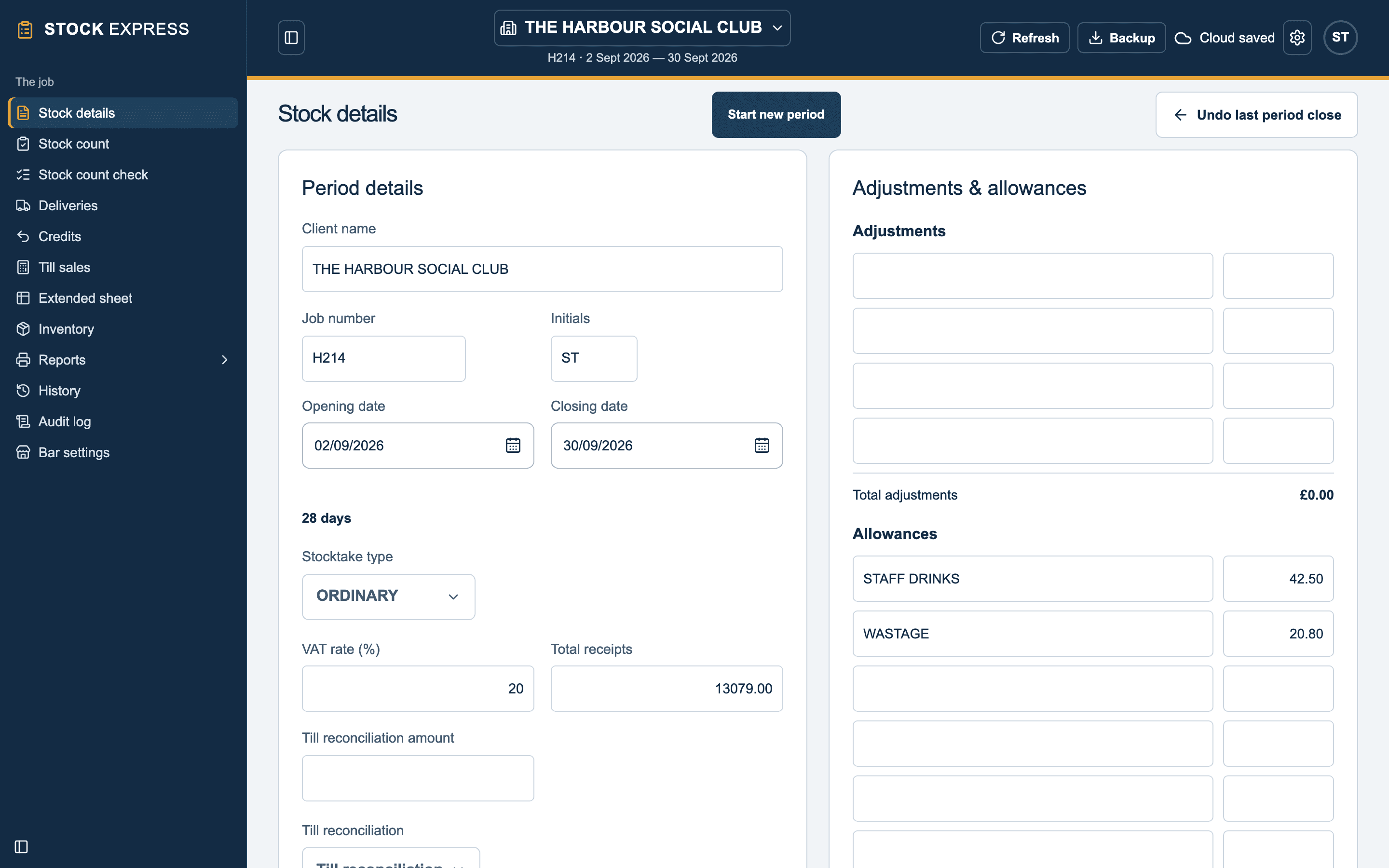
Stock details is where the app opens. It holds everything about this period that is not a line on the sheet, and under the details and allowances it shows the stock result in large figures.
The outlet
Client name, Job number and Initials head every report. Change them here if they need it.
The period
- OPENING DATE and CLOSING DATE: tap either to pick from the calendar. Dates are shown day first, like 03/10/2026, with the number of days between. The opening date is filled in for you when the last period closes.
- Stocktake type: ORDINARY unless you pick another, such as HOLIDAY AWAY, REQUEST, CHANGE OF MANAGEMENT, CLOSE DOWN or COST PRICE UPDATE. It prints on the cover sheet.
VAT and takings
- VAT rate (%): the period's rate. Every group follows it, except a group given a rate of its own on Bar settings.
- Total receipts: the takings for the period, including VAT, to the penny. Takings excluding VAT is worked out from it.
- Till reconciliation amount, with SHORTAGE, CORRECT, SURPLUS or NO AGREE beside it.
Adjustments and allowances
There are four adjustments and twelve allowances, each a description and a value, totalled underneath.
- An adjustment adds to the expected takings.
- An allowance takes off them: staff drinks, wastage, complimentary and the like.
Food
An outlet that does food fills in Food stock details: the food's opening stock, credits, closing stock and takings including VAT, with up to four food purchases and two food allowances. It works out the food's net takings, consumption and profit, which print on the Bar & food summary. Most outlets leave it empty.
Starting the next period
Start new period is on this screen too. See Closing a period.
Want to see this with one of your own outlets? Book a demo.