Your data
Downloading an outlet, including as a PS Stock Auditor backup.
Your data is yours to take with you, whenever you like.
Backup
The Backup button at the top of the screen downloads the outlet as a file: everything about it as it is in the cloud, plus every closed period.
You do not need to make backups for safety. Every change is already saved in the cloud and kept in the audit log. The backup is for your own records, or to take the data elsewhere.
Export to PS Stock Auditor
On Bar settings, under Export to PS Stock Auditor:
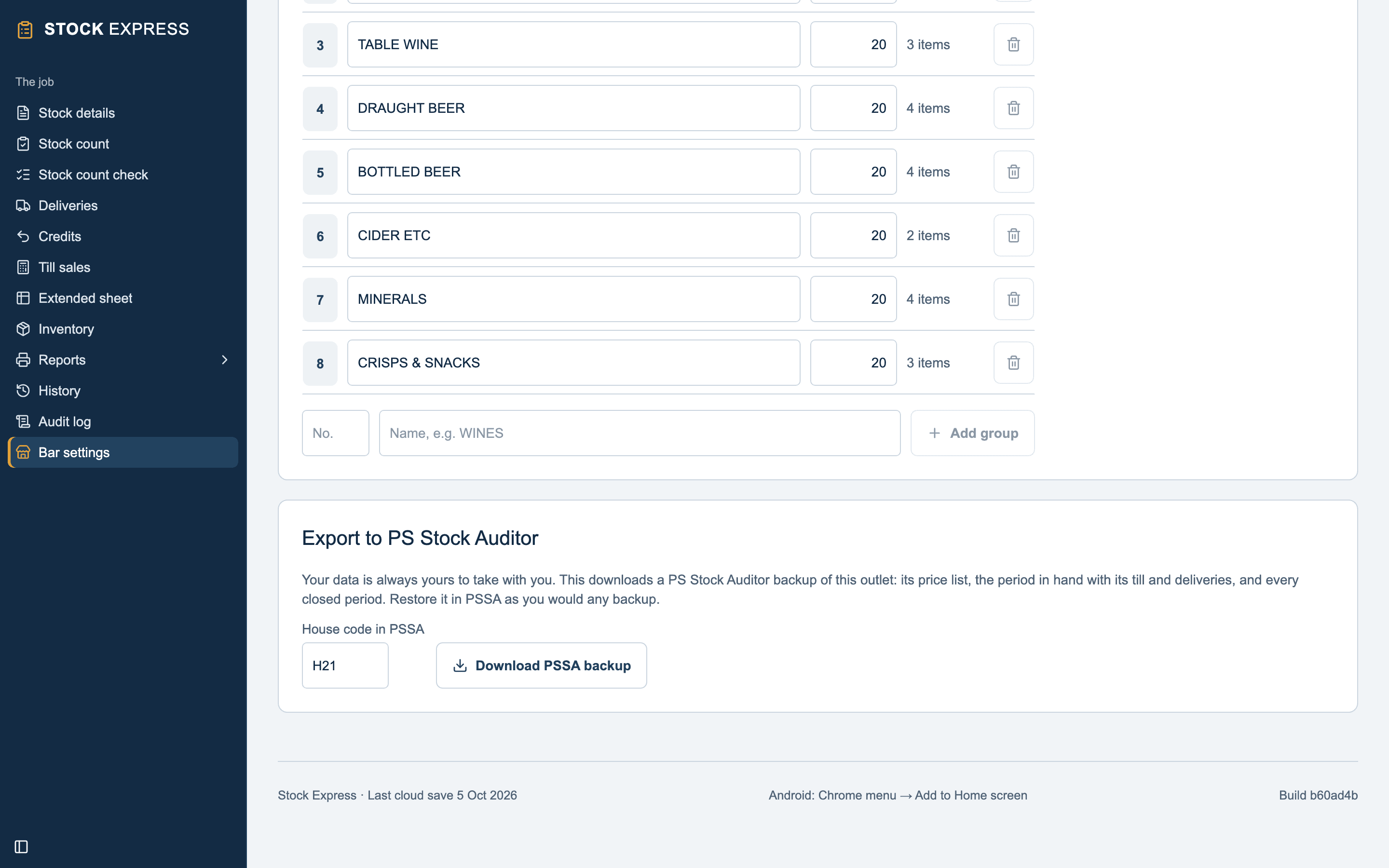
- Check the House code in PSSA: up to three capitals or figures. It starts as the first three of the job number.
- Tap Download PSSA backup.
You get a PSSA backup file (.PSB), made for PSSA's Restore: the price list,
the period in hand with its till and deliveries, and every closed period.
Want to see this with one of your own outlets? Book a demo.