Deliveries
Invoices entered as deliveries, so their lines go onto the sheet as purchases.
Purchases are never typed onto the sheet. You enter each delivery from its invoice, and its lines go onto the sheet as Purchases, with the delivery kept behind them.
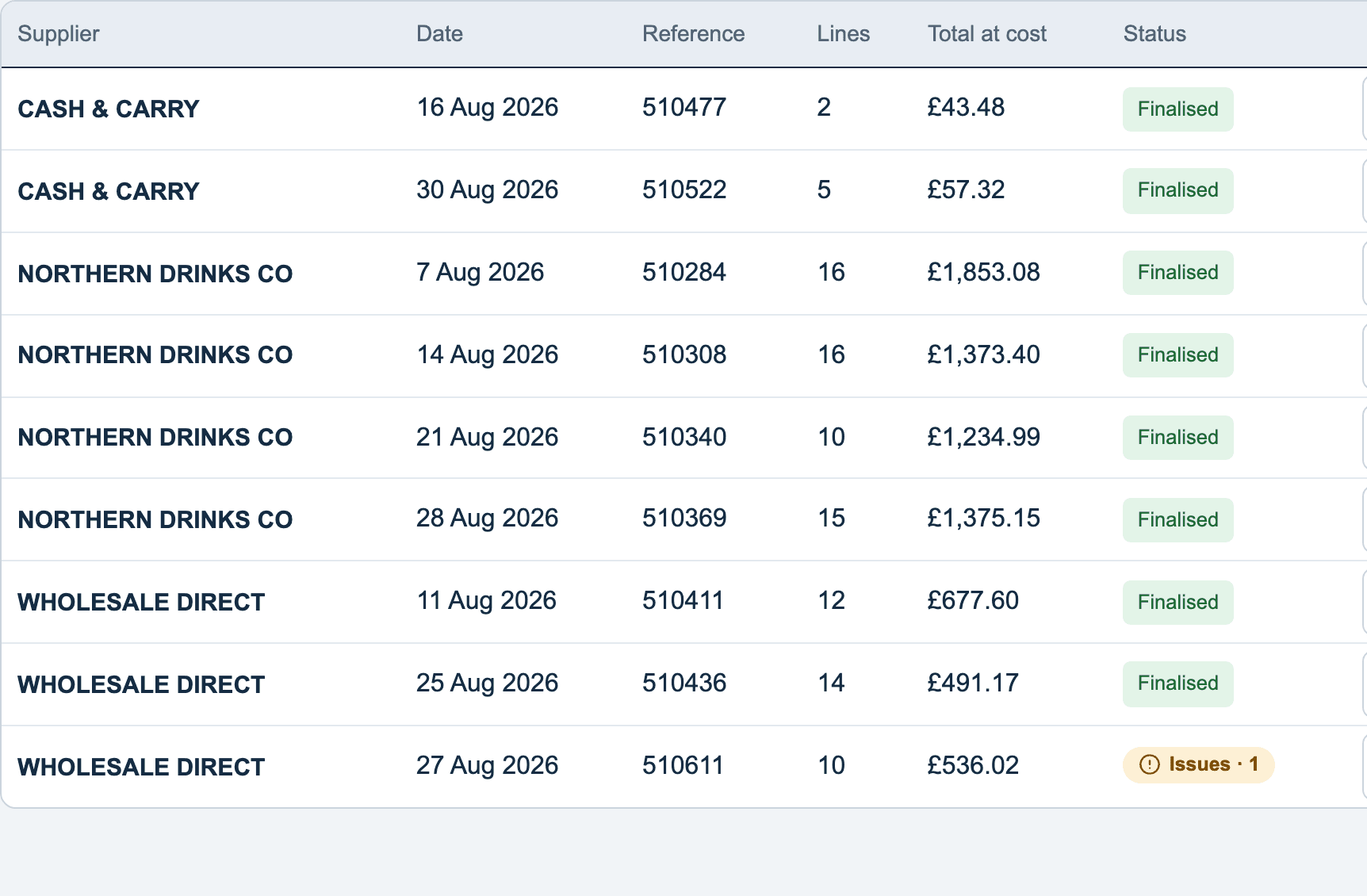
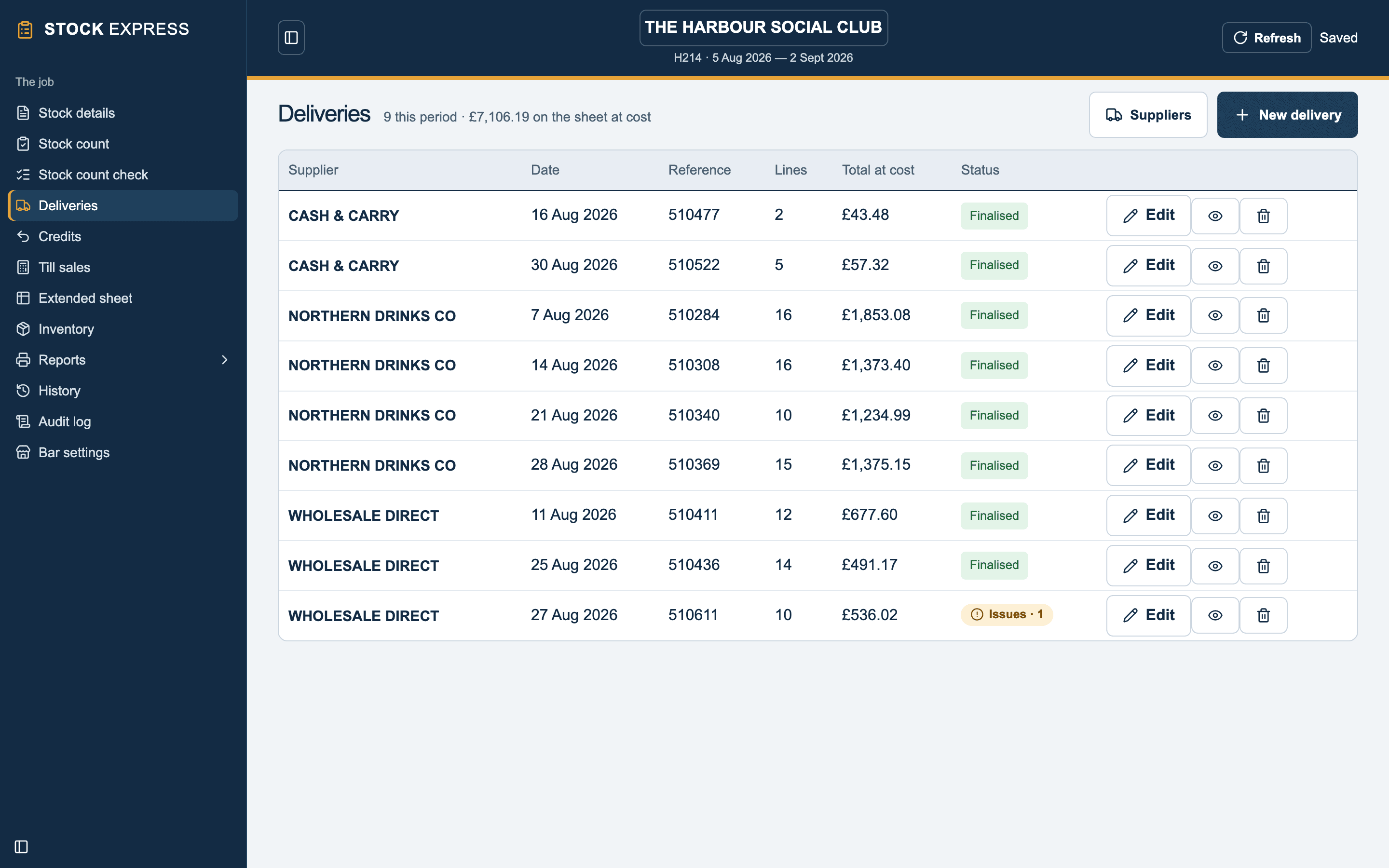
The Deliveries screen lists this period's deliveries by supplier and date, with each one's reference, lines, total at cost, and whether it is finalised or a draft.
In this section
- Entering a delivery: from the invoice, line by line.
- From a photo of the invoice: uploaded and read for you.
- Correcting a delivery: editing or deleting one.
- Credit notes: stock sent back.
- Suppliers: the outlet's list.
Seeing what is behind a purchase
On the extended sheet, tap any Purchases figure to see the deliveries it came from, with the total at cost and the average a unit.
Want to see this with one of your own outlets? Book a demo.