Closing a period
Starting the next period, and what carries forward.
When the stock is finished and printed, start the next period. The one you have done is archived whole, and its closing stock becomes the new opening.
Starting a new period
On Stock details, tap Start new period, read what it will do, and confirm.
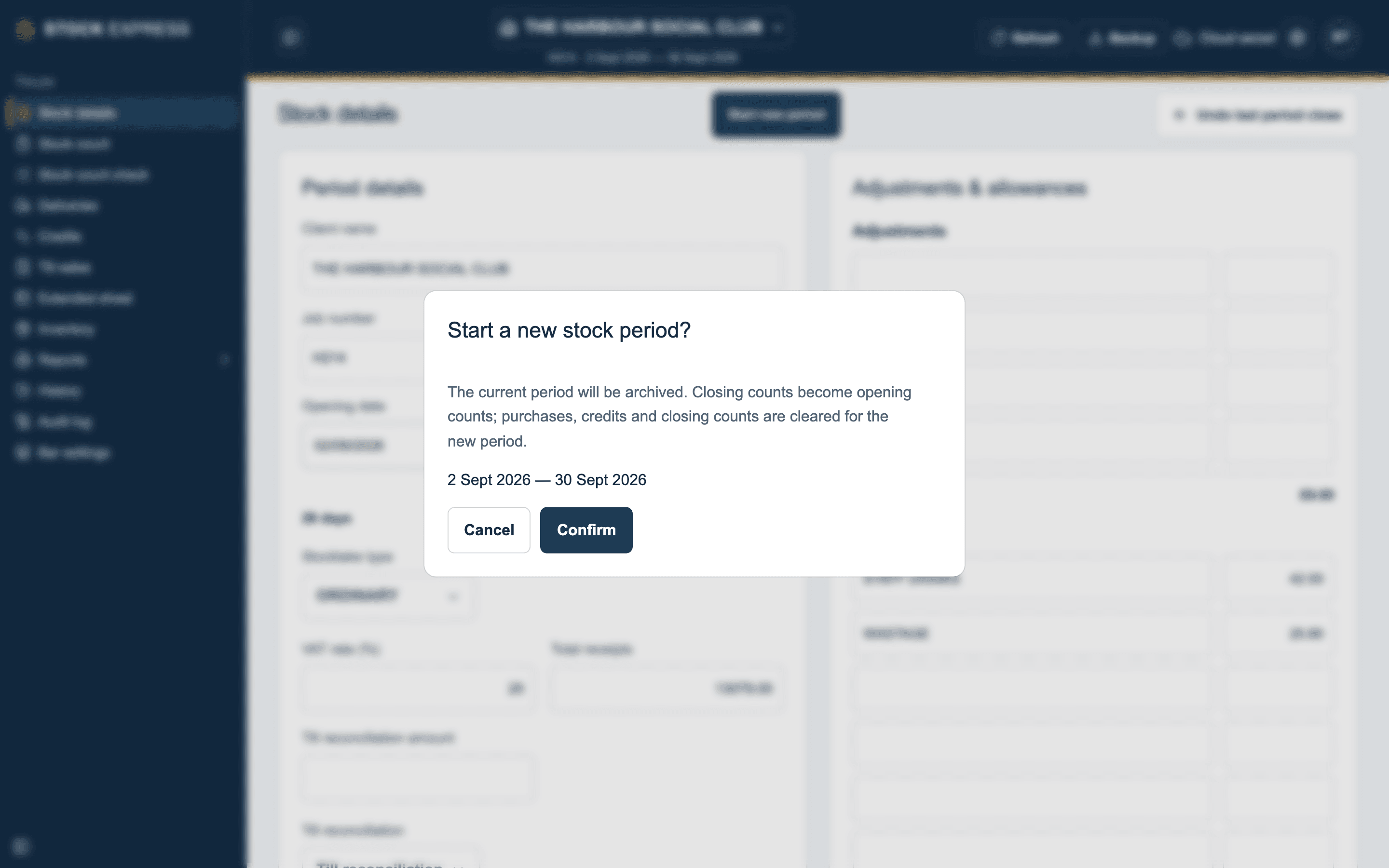
It will not start until:
- the closing date is after the opening date,
- everything has saved to the cloud, and
- you have a signal, because the cloud keeps the archive.
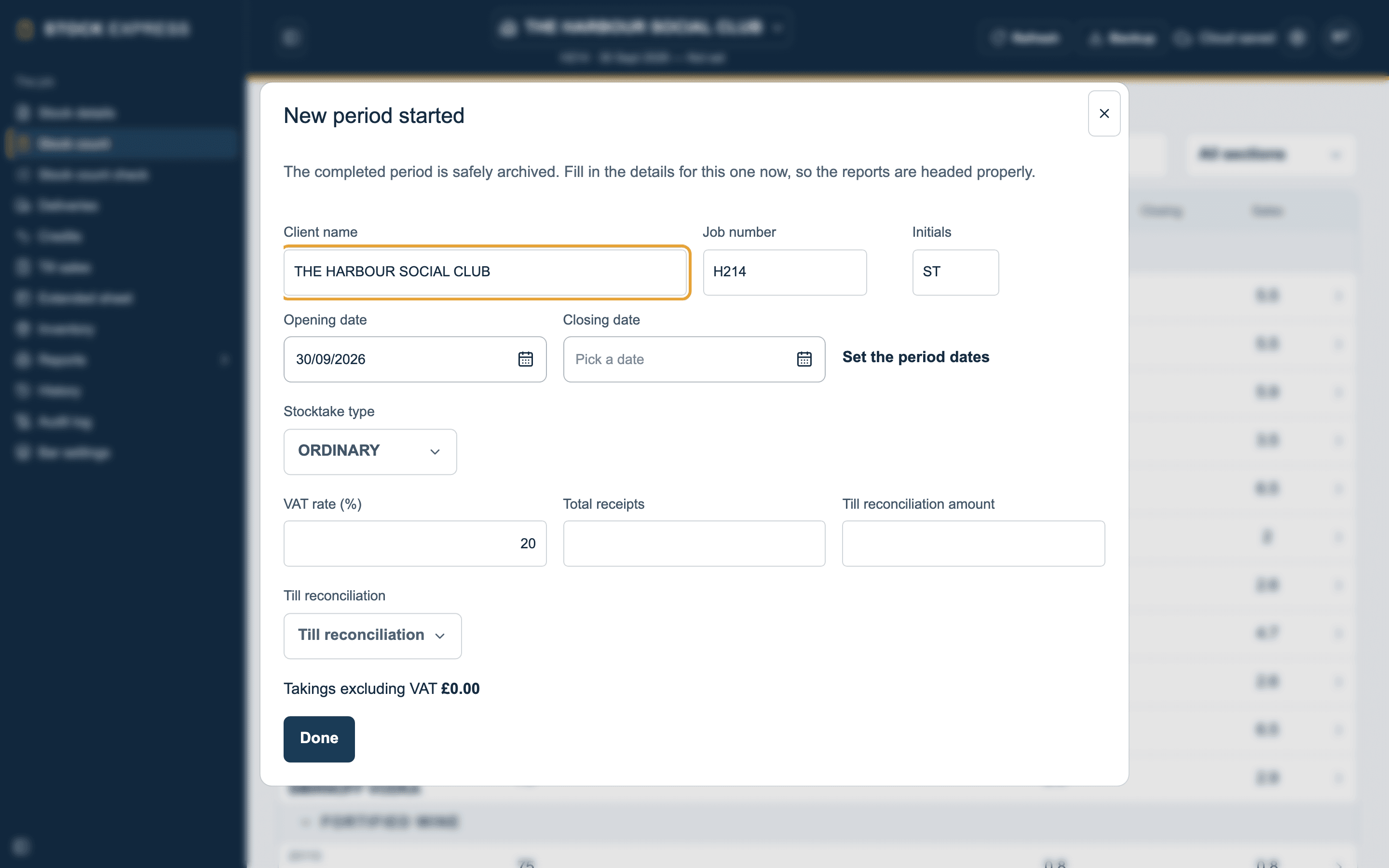
Then New period started asks for the new period's details. The opening date is already the old closing date; put in the closing date and stocktake type if you know them, and tap Done. You land on the Stock count, ready to go.
What carries forward
- Each item's closing stock becomes its opening.
- The outlet's name, job number, initials and VAT rate.
- The period's takings and barrels join the financial year to date.
What starts again
Purchases, credits, closing counts, takings, adjustments, allowances and the till reconciliation are cleared, and the stocktake type goes back to ORDINARY.
An item with none of it opened, bought, credited or counted all period drops off the new sheet. It stays on the price list, unless it is marked to keep.
Closed one by mistake? See Undoing a close.
Want to see this with one of your own outlets? Book a demo.