Checking the count
Every figure counted, as it was put in, to read back and correct.
Stock count check shows every box from every item's count pad, side by side, in the order they were put in. It is the printout you would read back against your count sheets, on screen.
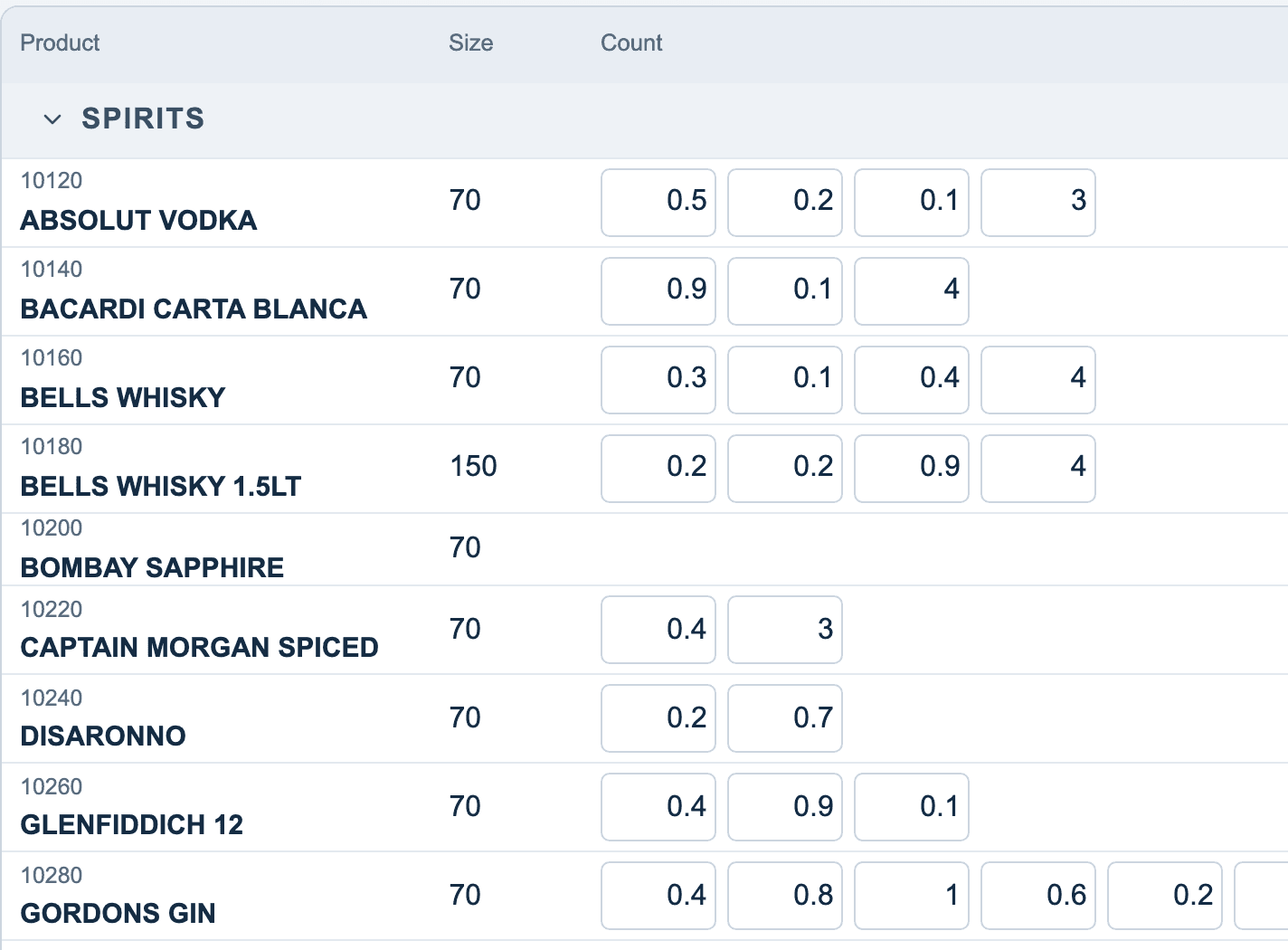
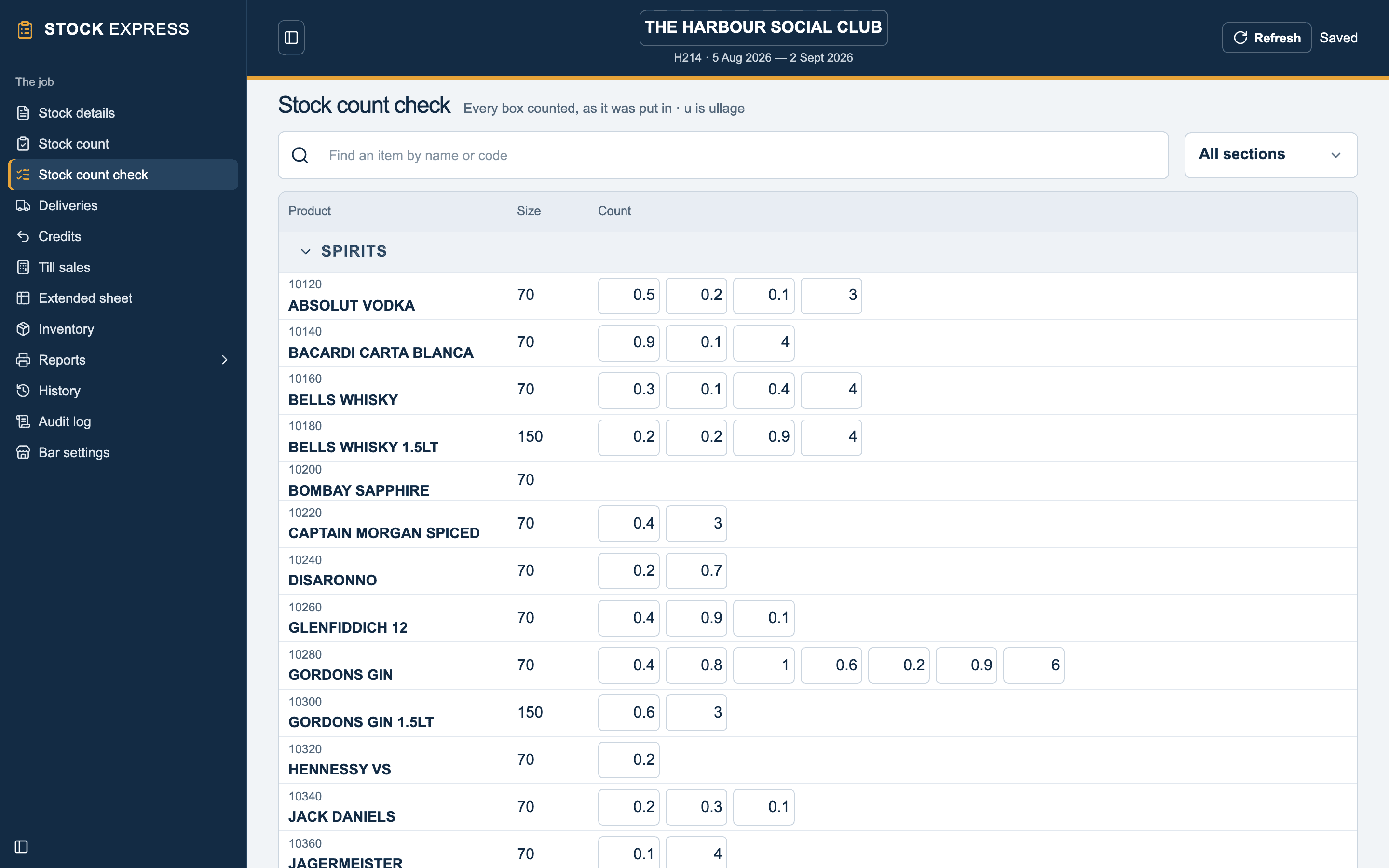
An ullage figure is marked with a small u, so 0.7u is seven tenths of a bottle of ullage. An item whose closing was typed straight onto the sheet shows that one figure, and an item not counted shows none.
Putting a figure right
Type over any box and press Tab or Enter. That box on the count pad changes with it, and the closing count adds up again. Empty a box to take it out.
To add more to an item, tap its name and its count pad opens.
Want to see this with one of your own outlets? Book a demo.