The count pad
Counting an item, a column for each location, the cellar and ullage.
Tap anywhere on an item's line on the Stock count and its count pad opens.
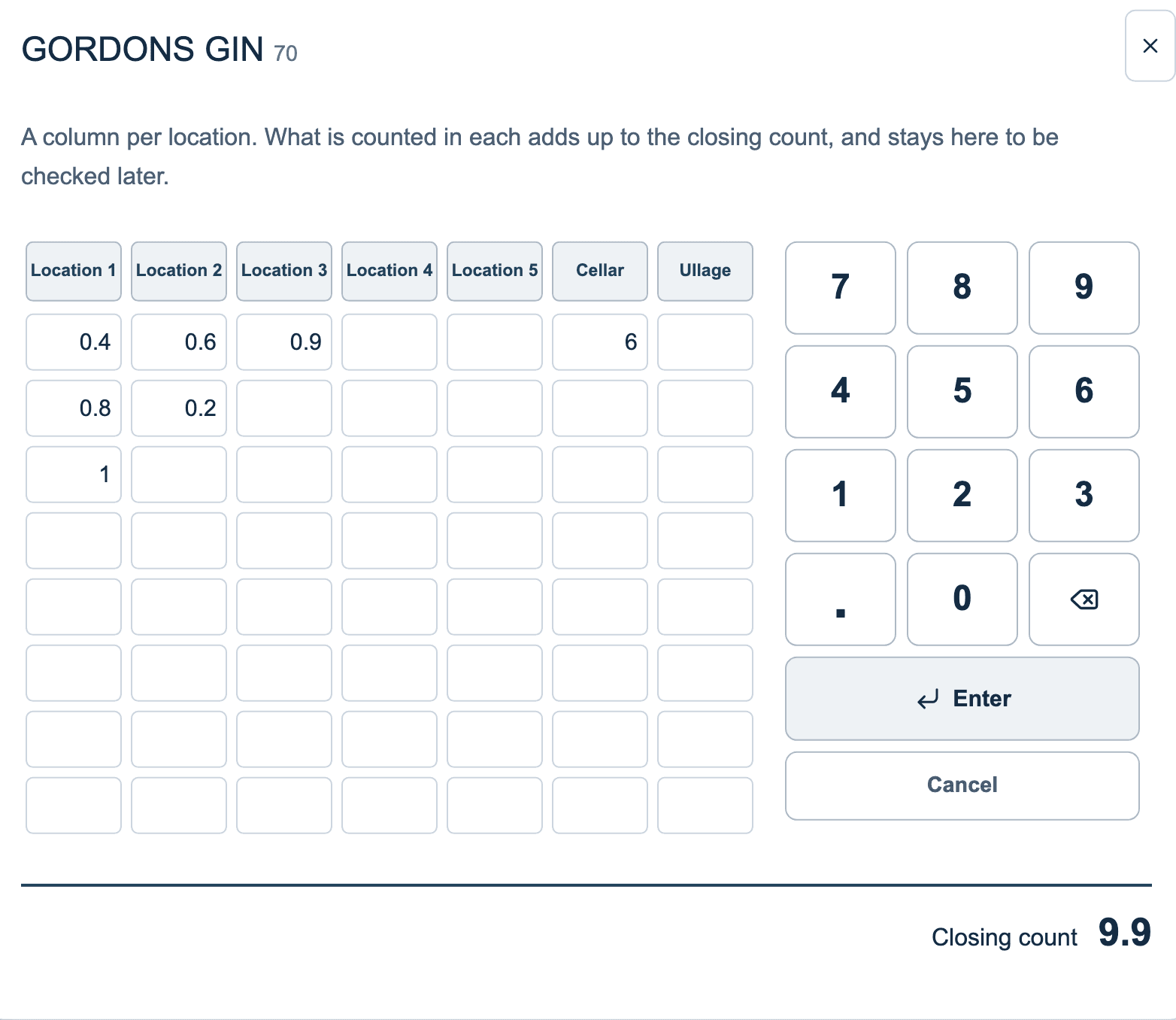
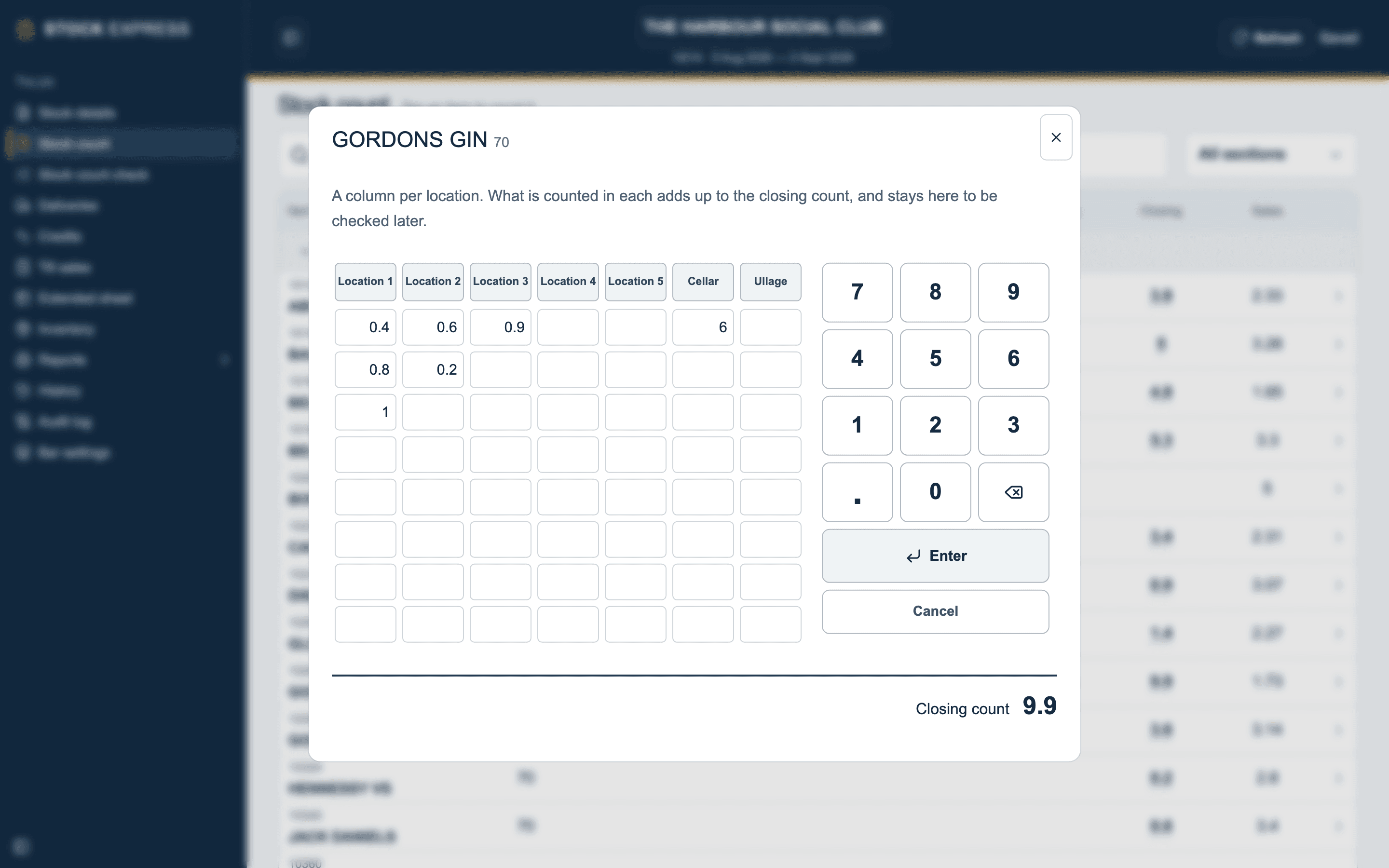
- There are seven columns: Location 1 to Location 5, Cellar and Ullage. Put each figure in the column where you counted it.
- Each column has eight boxes, and another row appears when you fill the last.
- Use the pad's own keys; the tablet's keyboard stays out of the way. The point key, beside 0, is for part bottles, so 0.7 is seven tenths of a bottle.
- Rub out the last figure takes off a slip.
- Everything adds up to the Closing count at the bottom.
- Finish this item (or Enter) keeps it and closes the pad. Cancel closes it without changes. There is no separate save: every box is kept the moment it is filled.
Open an item again and every figure is still there, to add to or correct.
An item counted in dozens has a colon key in place of the point; see Dozens and draught. Damaged stock goes in the last column; see Ullage.
Want to see this with one of your own outlets? Book a demo.