Credit notes
Stock sent back, entered as credit notes that feed the Credits column.
Stock returned to a supplier goes in on the Credits screen, as a credit note. Its lines go onto the sheet's Credits column, kept apart from purchases.
Entering a credit note
Tap New credit note and fill in the supplier, Credit note date, Credit note reference, and the lines.
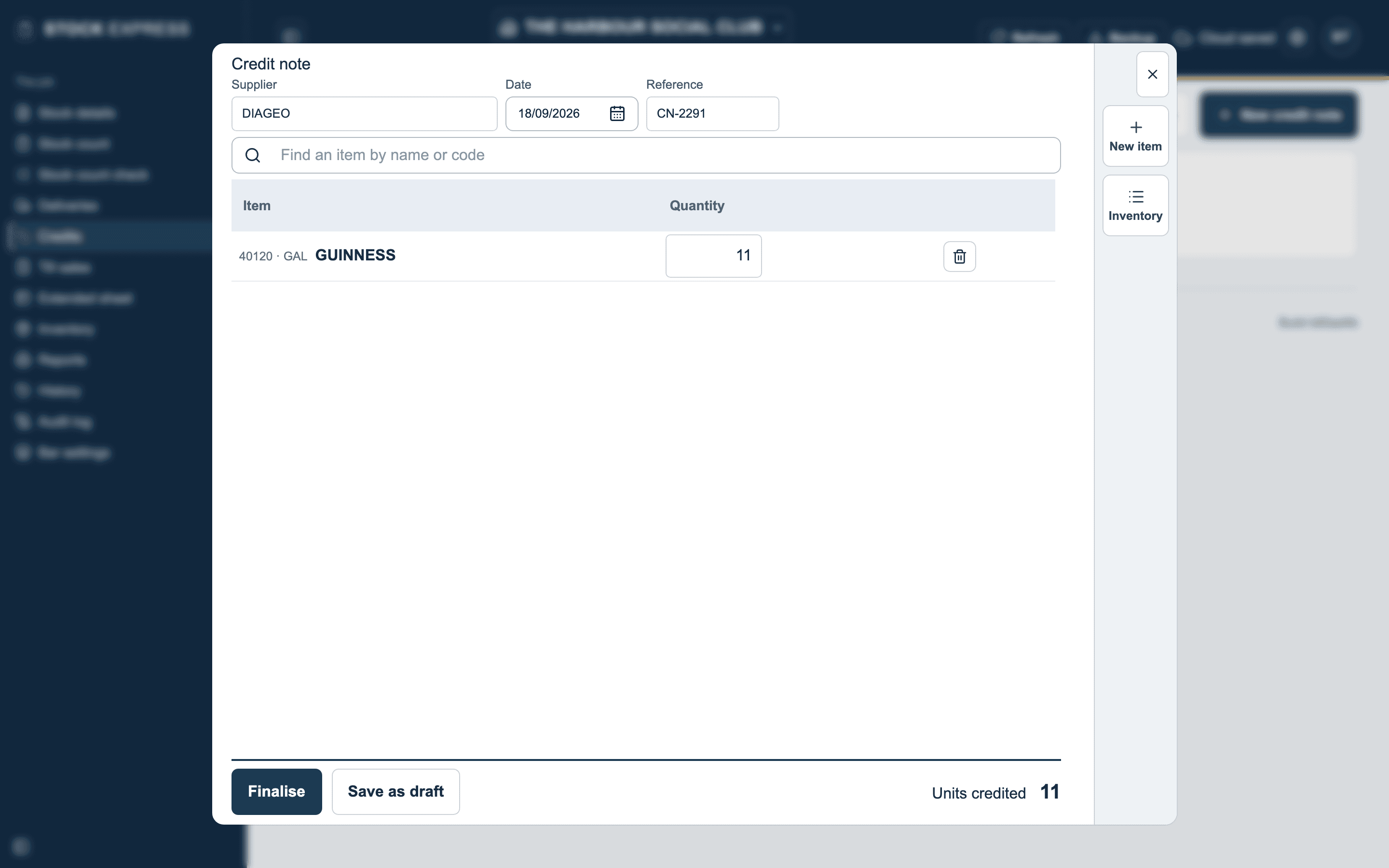
As with deliveries, a credit note opens with the items that supplier has delivered before already listed: fill in the quantity of what went back.
A credit note is quantities only: no prices and no total. It shows the units credited, and changes no cost prices. Finalise it to put it on the sheet, or save it as a draft.
Delete a finalised credit note and its credits come off the sheet with it.
Seeing what is behind a credit
On the extended sheet, tap any Credits figure to see the credit notes it came from.
Want to see this with one of your own outlets? Book a demo.