Allowances and the target
Food given away, at cost or at selling price, and the target GP the kitchen is judged by.
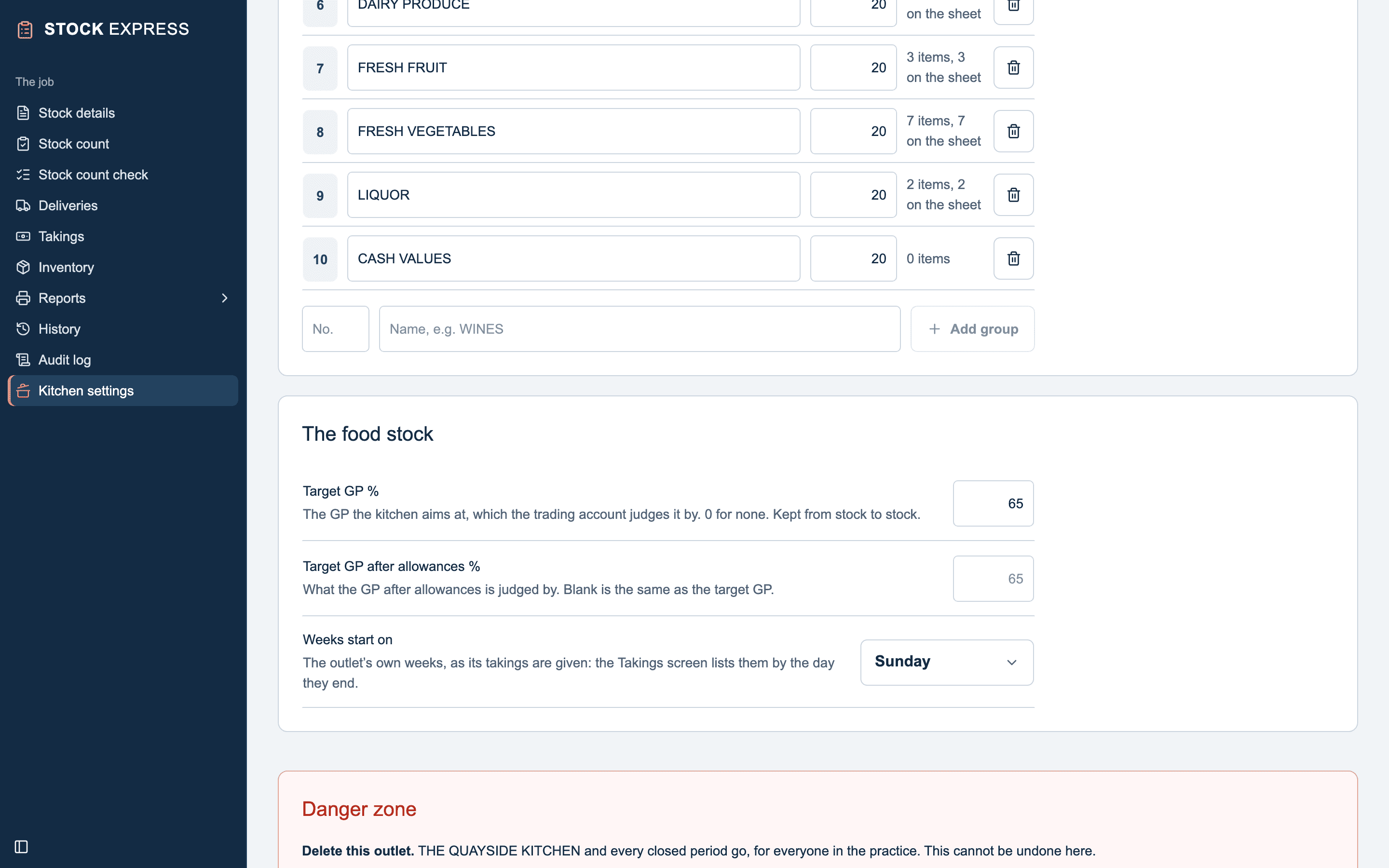
The target GP
On Kitchen settings, under The food stock:
- Target GP %: the GP the kitchen aims at. The Food Trading Account judges it by this. 0 is none. It must be below 100, and is kept from stock to stock.
- Target GP after allowances %: what the GP after allowances is judged by, if it is different. Blank is the same as the target GP.
With a target, the trading account works out the Takings the food should have made, and the Shortage or Surplus at retail inc. VAT against what was taken. A shortage is shown in red. With no target, those lines are left off.
Allowances
Allowances are food given away: waste, staff meals, a chef's tastings, complimentary meals. They are on Stock details, under Allowances, up to eight:
- Tap Add an allowance.
- Give it a name, such as STAFF MEALS.
- Under Entered, choose At cost (ex VAT) or At selling price (inc VAT).
- Type the Amount.
The allowances give the GP after allowances, beside the GP before them. Their names carry to the next stock; the amounts start again.
An allowance at selling price is brought to cost by taking off the VAT and then the target GP: at 20% VAT and a 65% target, £42.50 is £42.50 ÷ 1.2 × 0.35, £12.40. The trading account says so under the allowances. With no target set, it is costed at its price less VAT, with no margin taken off, and Stock details warns you of that.
Want to try this with one of your own outlets? Start for free.